You can probably find this easily by searching (sweat
I’ve set up Android app development environments several times, but this is the first time on a Mac.
However, it’s not much different from Windows.
The environment is OS X 10.8.2 mountain lion. This became a somewhat long article.
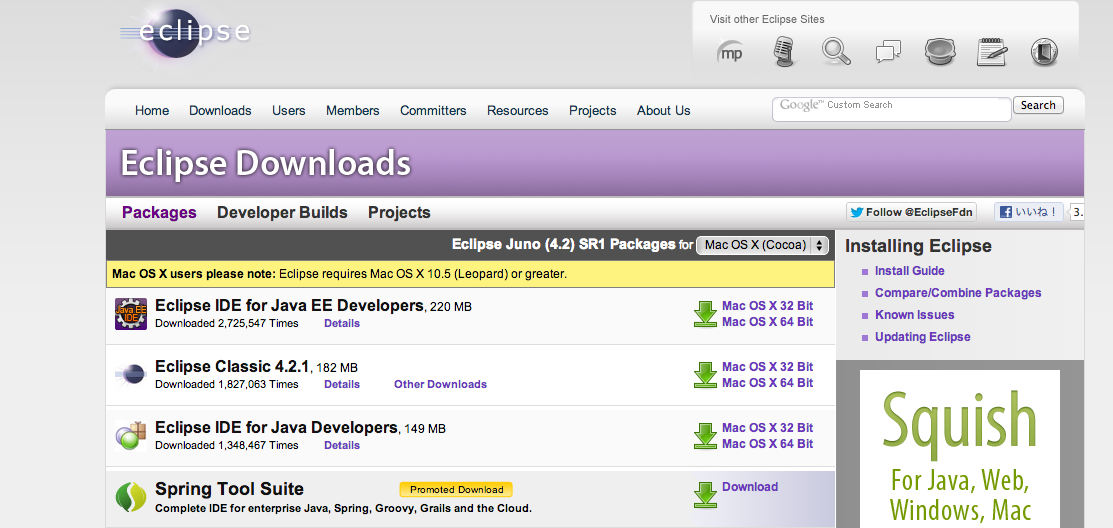
[bash] tar xzvf eclipse-jee-juno-SR1-macosx-cocoa-x86_64.tar.gz mv eclipse /Applications/ [/bash]
That’s it (lol) So simple
Here→http://developer.android.com/sdk/index.html
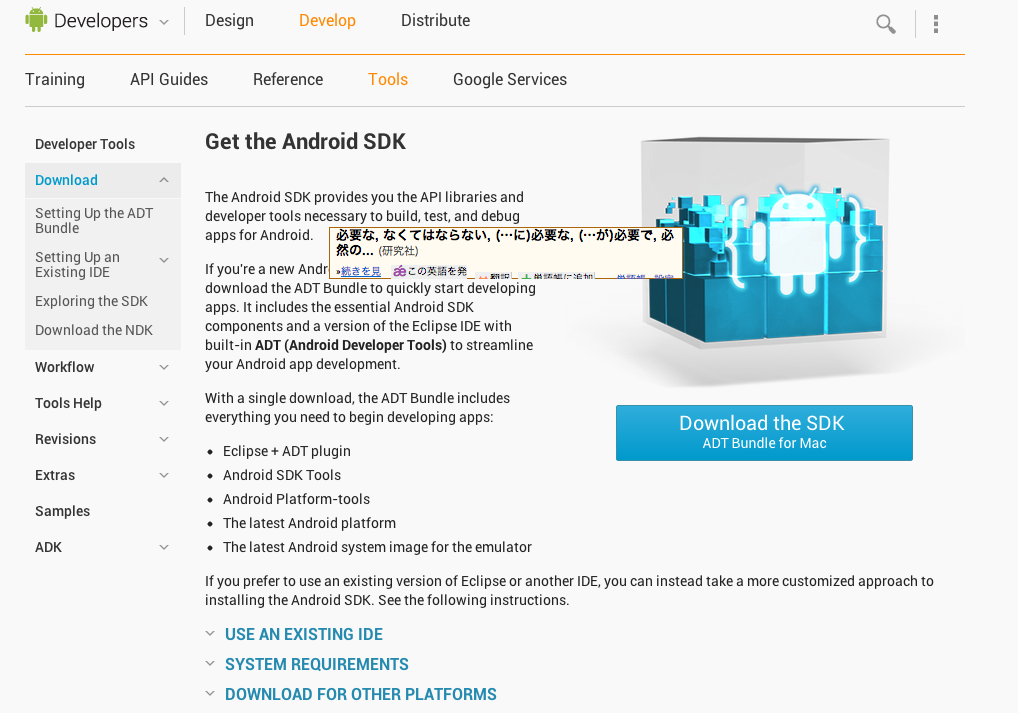
[bash] unzip android-sdk_r21.0.1-macosx.zip mv android-sdk-macosx/ /Applications/ [/bash]
Then, launch Eclipse and go from the menu bar to “Help” → “Install New Software…”, select Add, and set it up like the image below.

After a while, the next window appears, so select Developer Tools. Then just proceed as is.
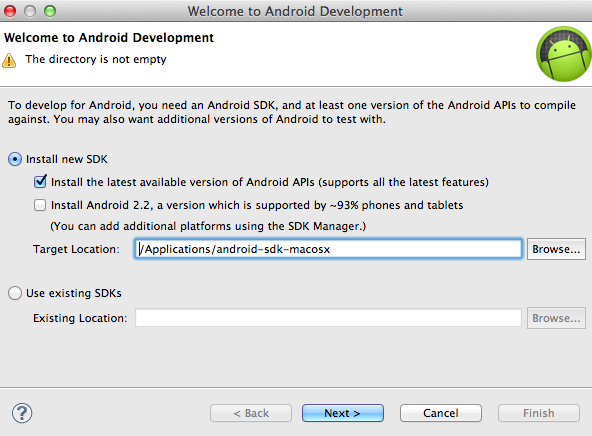
After restarting, the next window appears, so specify the location of android-sdk.