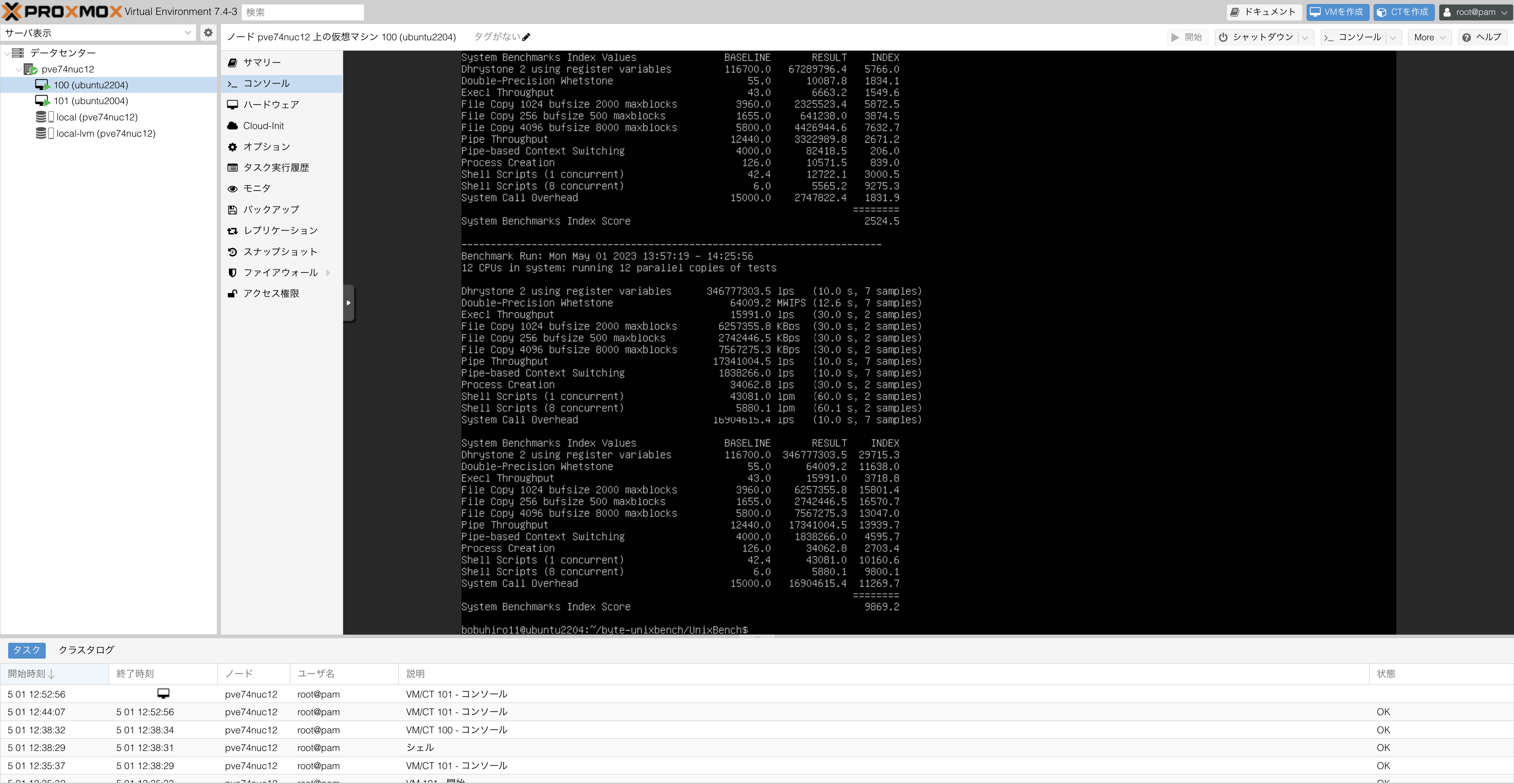
I bought an Intel NUC 12 Pro 1 as a development machine and installed Proxmox VE 2. Until now, I was using an old Thinkpad as a development machine, so I think it’s become more comfortable.
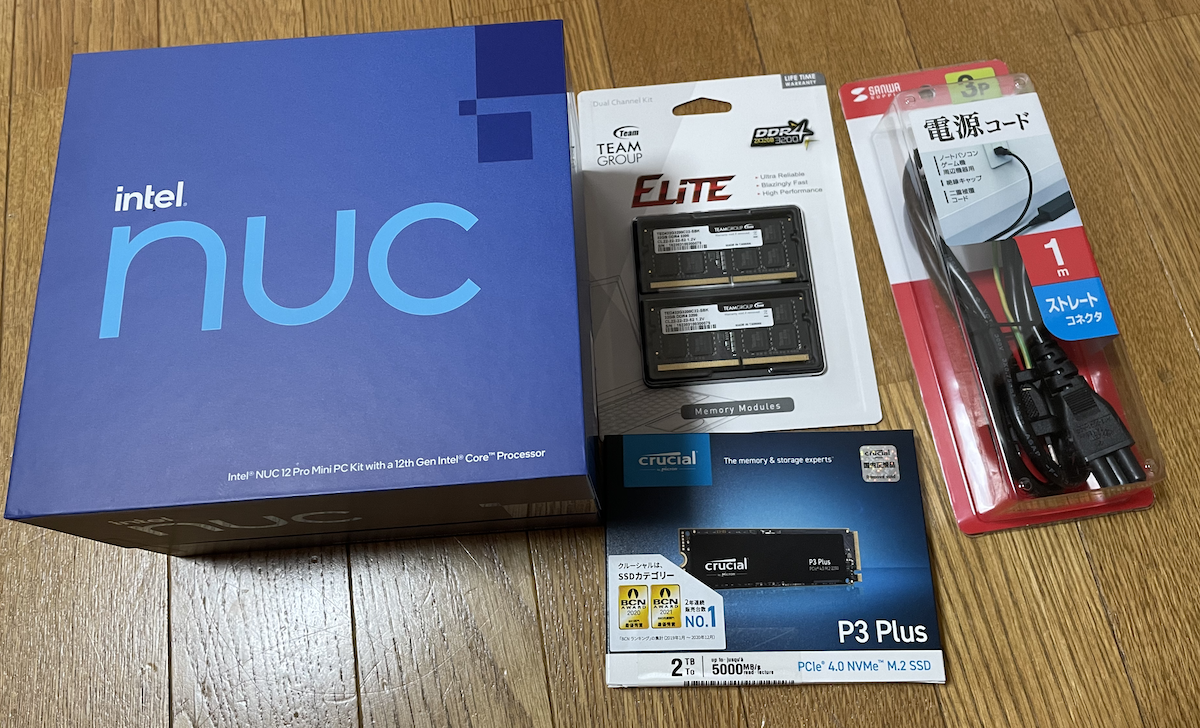
The specs are like this. I wanted to prioritize memory and disk, so I went with more. On the other hand, I didn’t care much about core count, so I chose the i3 model. I considered a vPro-equipped model, but I passed on it because of limited availability and the assumption that virtualization would reduce the frequency of remote management operations.
- NUC: Intel NUC12WSHi3 (Core i3-1220P)
- Power cord: Sanwa Supply KB-DM3S-1
- Memory: Team SO-DIMM DDR4 3200MHz PC4-25600 32GBx2
- Storage: Crucial CT2000P3PSSSD8JP 2TB M.2 PCIe4.0
Originally I was thinking of using ESXi 8, but I struggled with the “Shutting down firmware services” error and couldn’t solve it, so I gave up. By the way, several problems due to mixed P-cores and E-cores have been reported, but knowledge about this has spread fairly well 3 4, and I could solve it the same way in my environment. I found several cases of ESXi 7 running on 12th gen Intel NUCs, but I gave up because it felt troublesome to need community drivers.
As remaining candidates, I was considering cockpit-machines and Proxmox VE. Among these, I wanted to use it as easily as possible, so I chose Proxmox VE. There’s nothing particularly noteworthy about the Proxmox VE installation procedure; I could install it naturally by following the dialogs. I haven’t touched it much yet, but the first impression is quite comfortable and looks good.